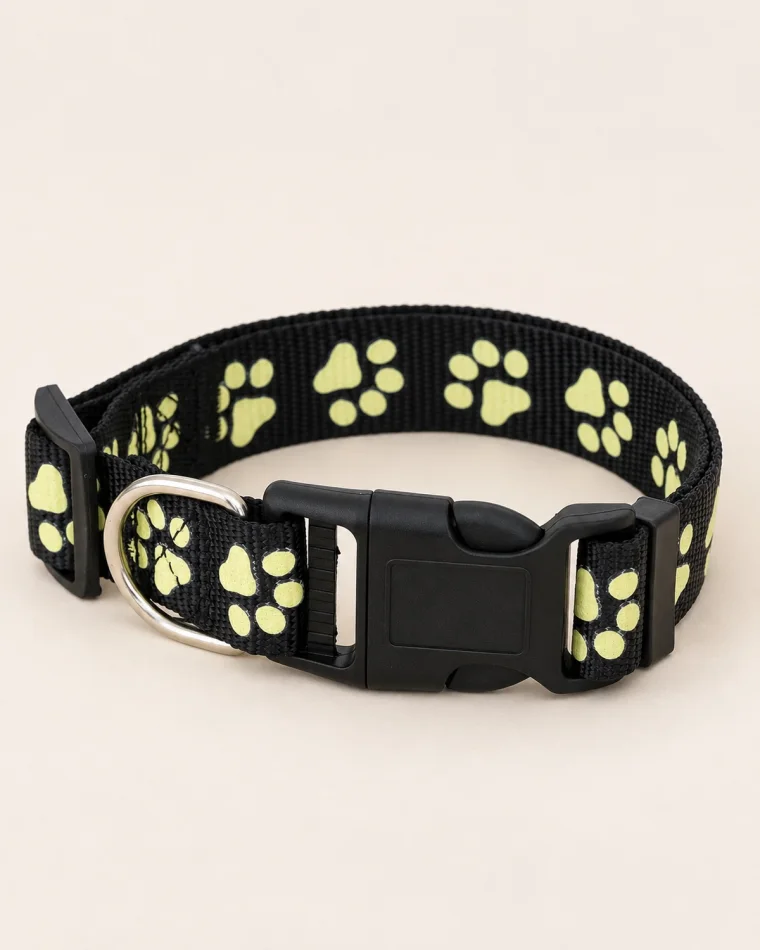
Glow-in-the-Dark Paw Print Collar
6,000 IQD
S · M · L
25,000 IQD
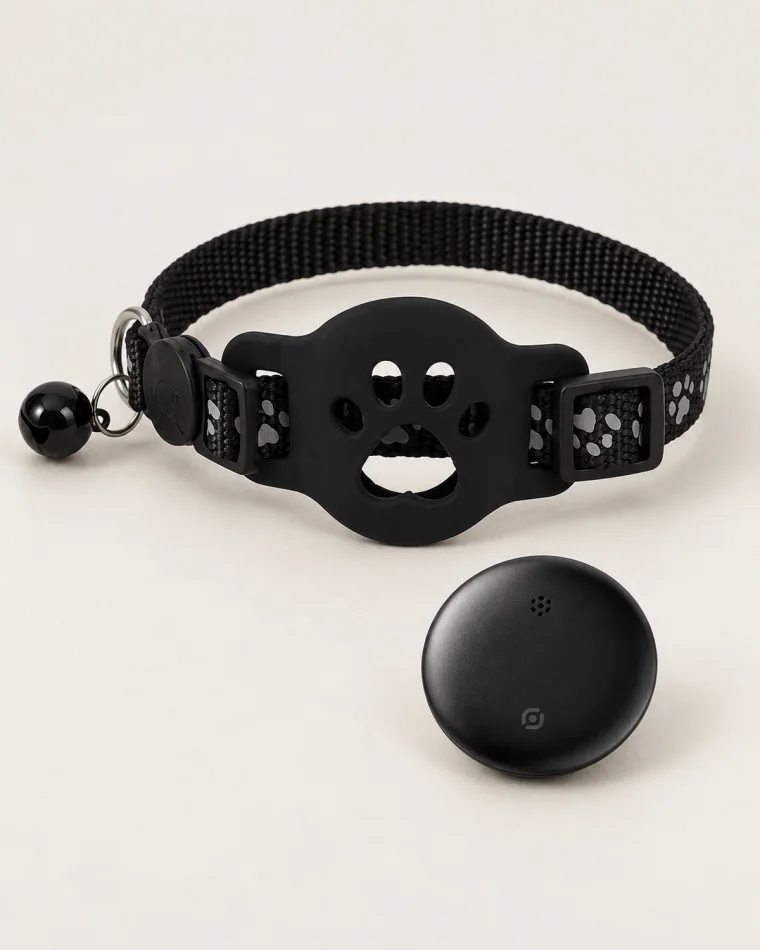
A collar, locator and silicone holder set for use with Apple Find My on iPhone or iPad. Android is not supported. How to set it up 1. Turn on Bluetooth and Location Services on your iPhone or iPad and sign in to your Apple Account. 2. Hold the locator’s circular button for 3 seconds until it chimes. 3. Keep it near your device. Open Find My → Items → + → Add Other Item (Other Supported Items). 4. Select the detected locator, tap Connect, then choose a name and emoji and finish pairing. 5. Use Play Sound to check the connection before placing the locator in its holder on the collar. Finding your pet Use Play Sound when the locator is nearby. Away from you, location updates rely on nearby participating Apple devices in the Find My network. If none are nearby, the app may show only the last known location. This is not a standalone GPS tracker and does not provide continuous live tracking.